
Connecting to a Simulator
The HDZero Radio has two operating methods that can connect to a computer to use the FPV simulator.
Method1: Bluetooth Joystick Mode
- Turn on the radio, enter the ELRS menu
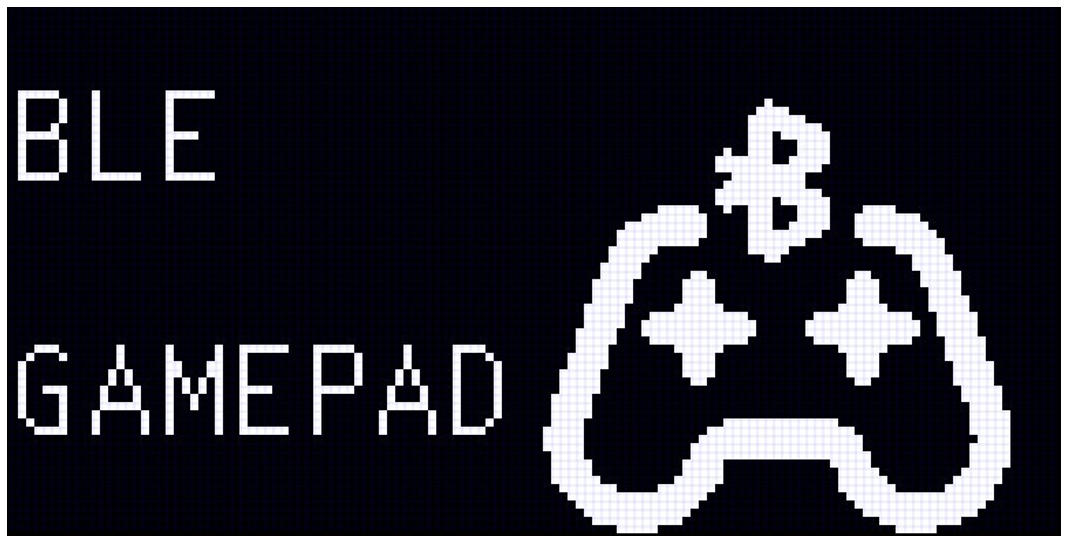
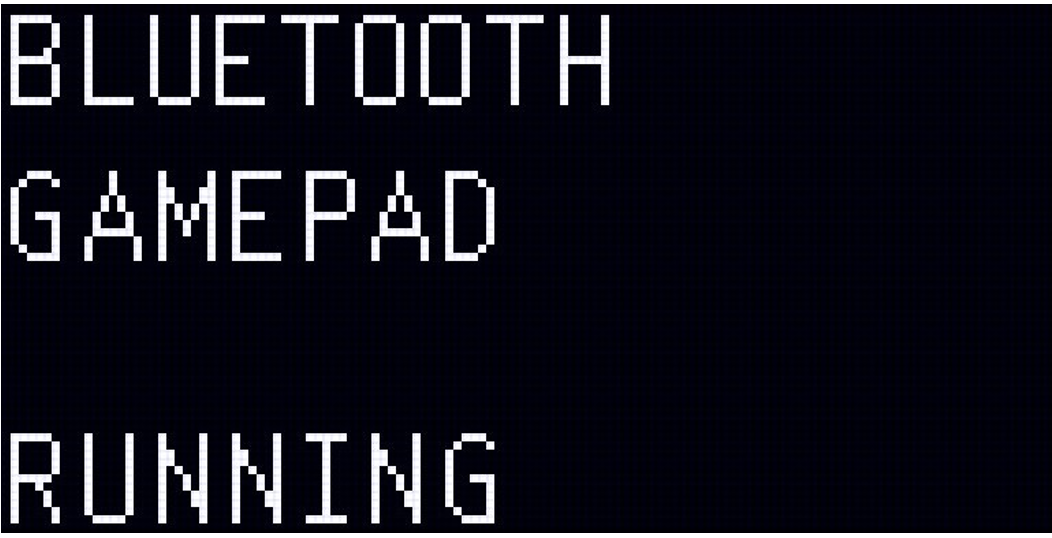
- Navigate to the BLE Gamepad submenu and turn on the BLE Joystick
- Turn on the Bluetooth function of your computer, search for a new Bluetooth device
- Select the device named "ExpressLRS Joystick" to complete the connection
Method2: HID Joystick Mode
- Turn on the radio, and stay in the HDZero radio menu
- Connect the radio to your computer using a USB data cable
- Select the "Joystick (HID)" USB device in the radio
- The radio will now be recognized as "HDZero Joystick" on your computer
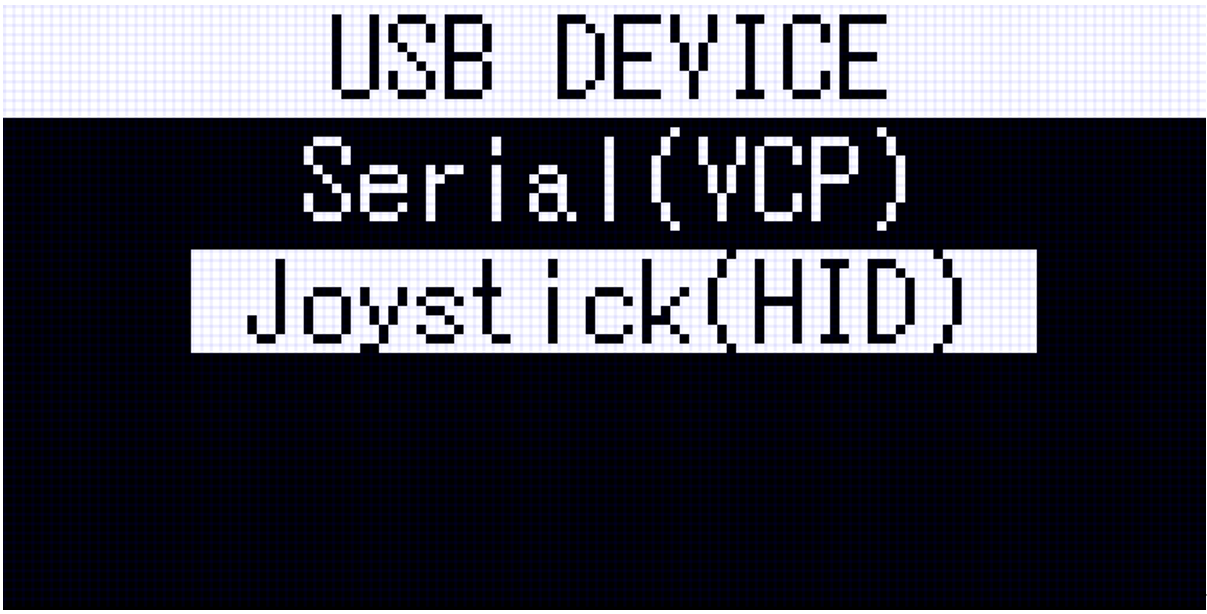
Note: ELRS transmitter radio is automatically disabled in this mode.
 Ligen
Ligen