Trainer Jack (DSC)
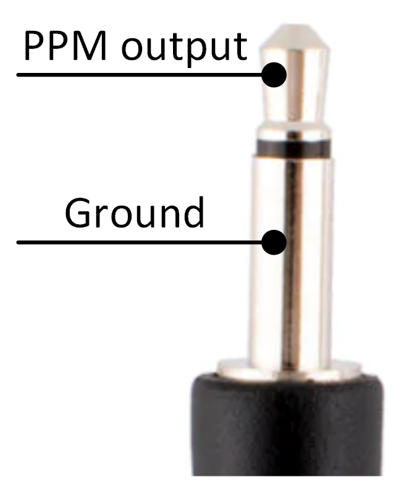
The HDZero Radio's trainer jack supports multiple functions, including training mode and head tracking input from goggles. The trainer jack DSC function complies with industry standards and is compatible with most other radios with Spektrum, Edge TX, and other popular software. The trainer jack uses a 3.5mm mono (2-poles) cable as shown.
Coach/Master Mode
The HDZero Radio can be a master controller, receiving signals from a slave radio. It allows selection of source signal percentage or use of the channel switch action on/off.
- Connect the slave radio to the master radio port using the trainer cable
- Turn on the radio, open radio menu and enter the DSC menu
- Switch to master mode
- The master radio will now receive signals from the slave radio
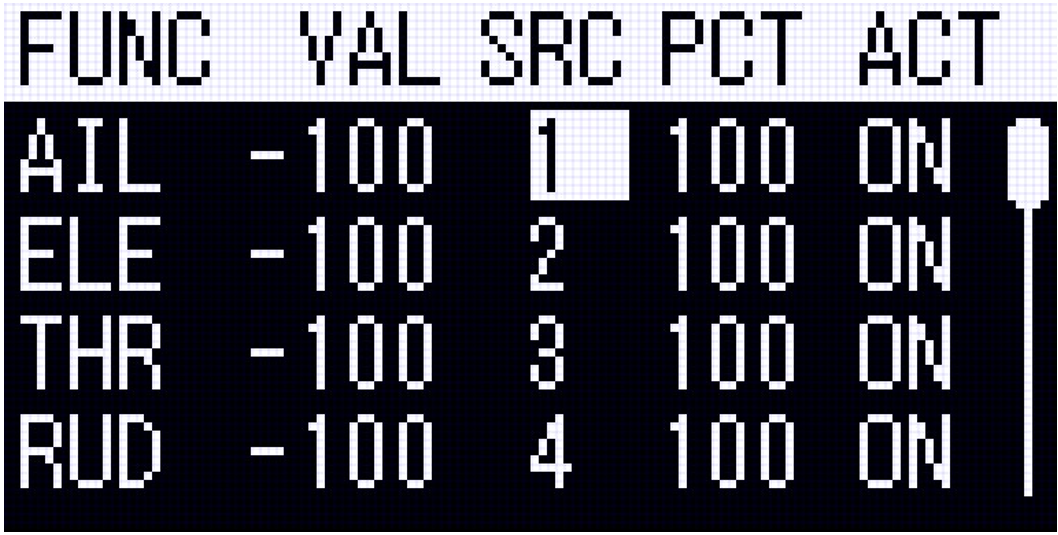
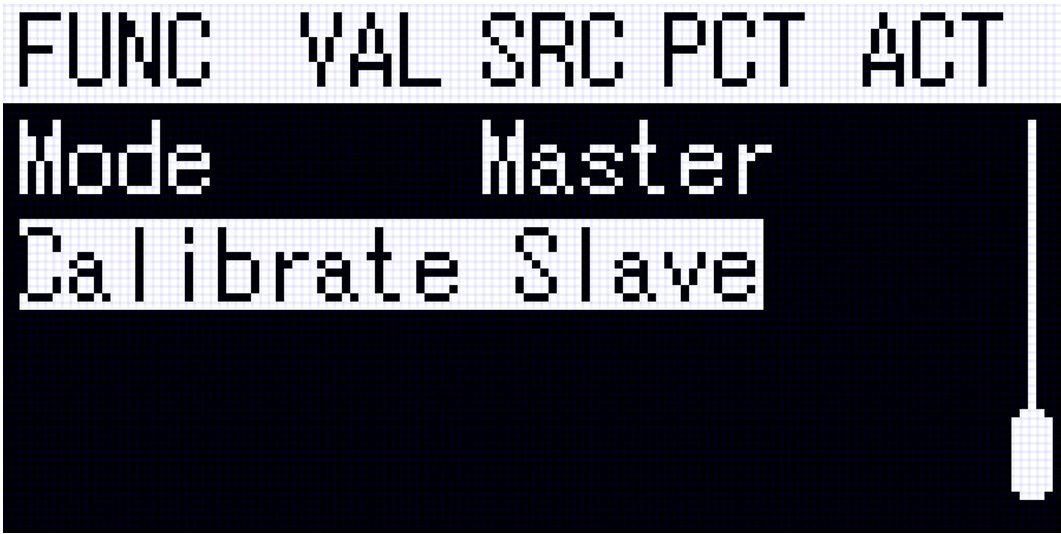
Use "Calibrate Slave" to ensure that the endpoints of the slave radio are correct. The "VAL" column shows the stick position of the slave radio from -100 to 100.
If the slave radio channel map differs from the master radio, re-order the channels by short pressing "SRC".
To control how much the student and coach sticks interact, you can adjust the "PCT" column. 100 gives all control to the student, 50 gives student and coach 50% weight on stick inputs.
To control if a student has control of a channel, the “ACT” column has a few options:
- On: Student controls channel always
- Off: Coach controls channel always
- Switch Pos: Student controls channel if coach activates switch. Recommended: "SE Down" so coach holds the SE momentary switch to enable student to have control temporarily.
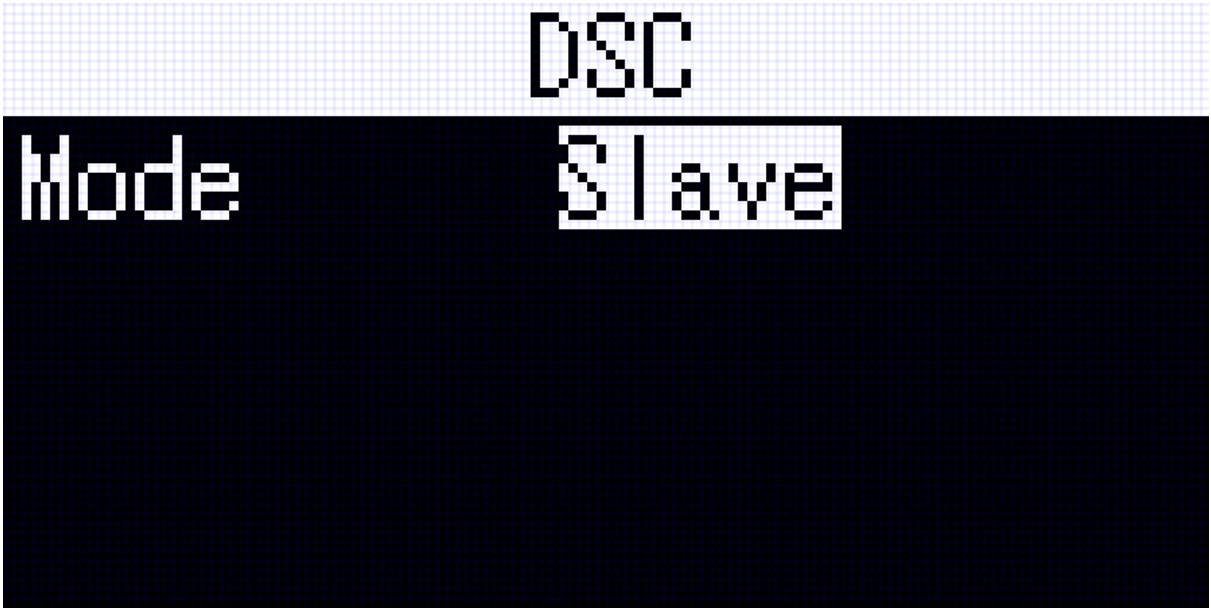
Student/Slave Mode
The HDZero Radio can be a slave controller, sending signals to the master radio. ELRS transmitter radio is automatically disabled in this mode.
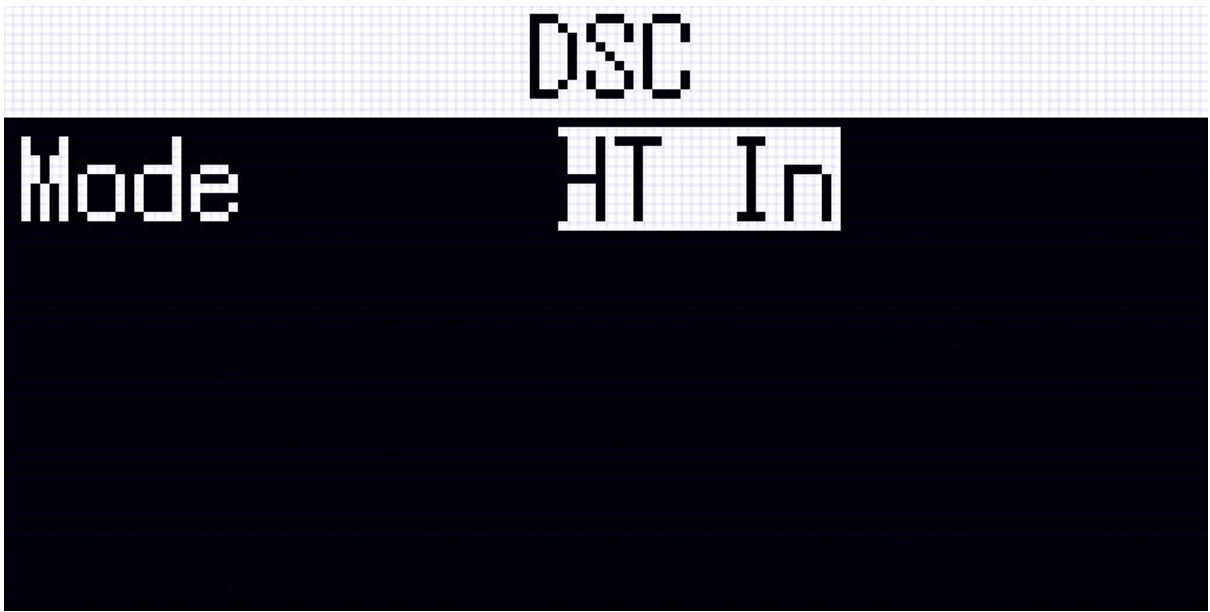
Head Tracking Mode
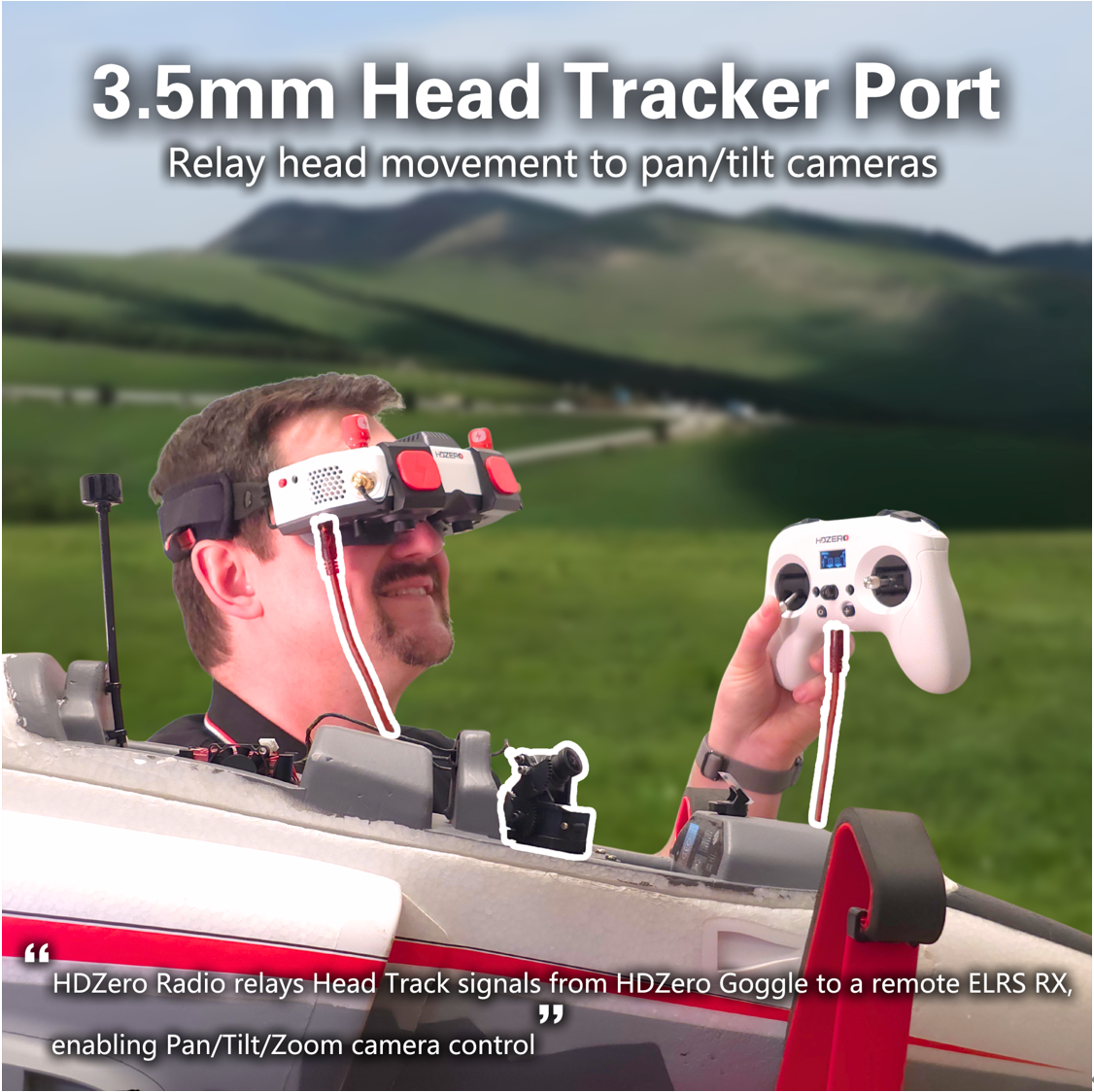
The HDZero Radio can receive head tracking signals from the HDZero and BoxPro goggles and transmit them via ELRS. Once connected to the Goggle' s HT output port, configure the channel map feature on the radio to assign HT1, HT2, or HT3 to any of the 10 channels of the radio.
 Ligen
Ligen