ELRS Menu
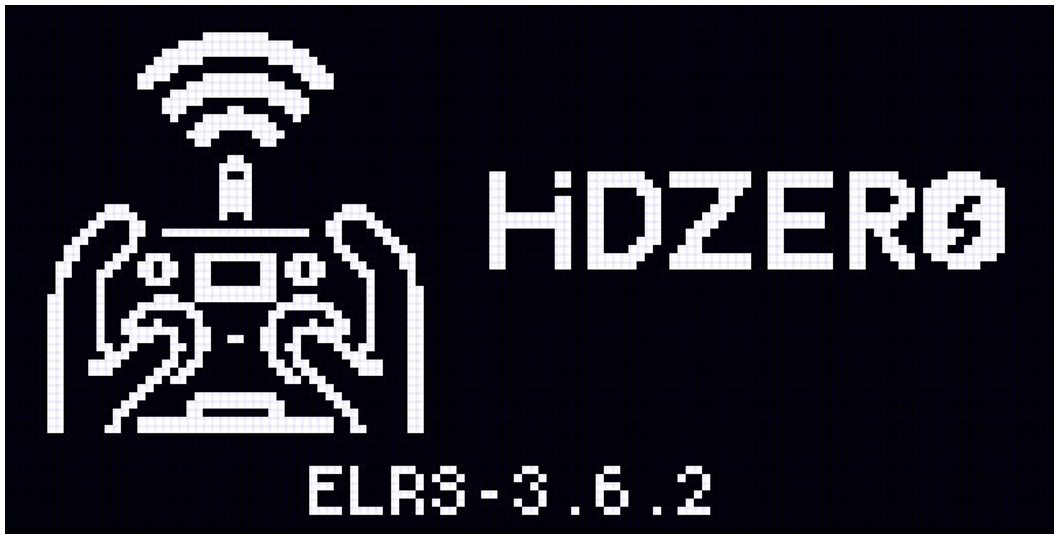
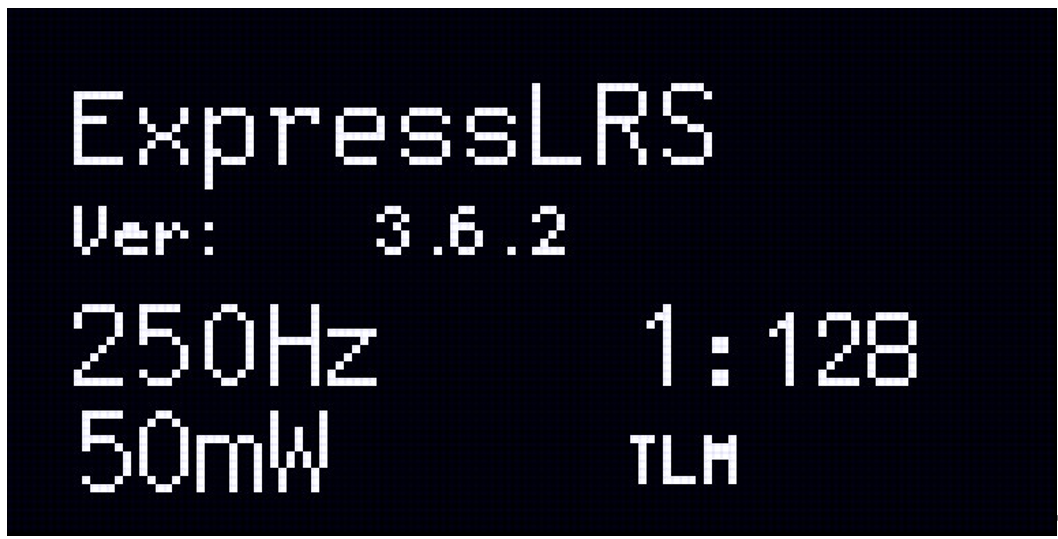
Short-press the ELRS button to switch from the radio menu to the ELRS menu. The radio's ELRS firmware version will be displayed during the switch.
Binding
The HDZero radio comes with full ELRS functionality and supports binding via the ELRS menu. It also features a dedicated binding shortcut key.
Binding via the ELRS menu
- Turn on the radio and enter the ELRS menu.
- Put the receiver into binding mode.
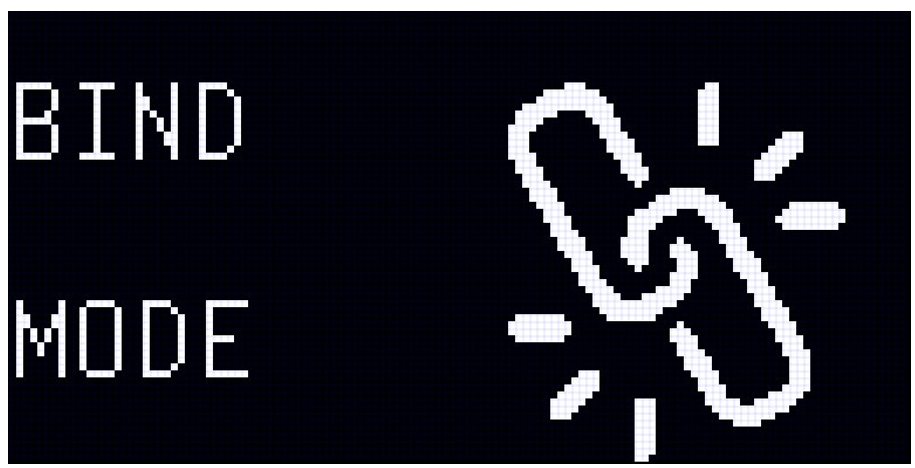
- Navigate to the bind mode menu within the ELRS menu, and short-press the menu button to start binding.
- If binding fails, please retry later.
Binding via the shortcut key
- Turn on the radio.
- Put the receiver into binding mode.
- Long-press the ELRS button on the bottom of the radio. The radio will start binding once it vibrates.
- If binding fails, please retry later.
ELRS Menu Options
Long-press the menu button to enter the ELRS settings menu. Navigate up and down. Navigate right to enter submenu, navigate left to go back. Here you can configure:
- Packet Rate
- Recommended: 250hz (Racing: 500hz)
- Switch Mode
- Recommended: Wide
- TX Power
- Recommended: Max Power: 100-250mW, Dynamic Power: On
- Telemetry Ratio
- Recommended: Std (Racing: Race)
- BLE Gamepad (Bluetooth joystick)
- Connect to PC or phone with Bluetooth for simulator use. Function described below.
- Bind mode
- Start binding to ELRS receiver.
- WiFi Admin
- TX WiFi: update ELRS transmitter firmware via WiFi
- RX WiFi: update ELRS receiver firmware via WiFi
- Backpack WiFi: update ELRS Backpack firmware via WiFi
- VRX WiFi: update VRX ELRS firmware via WiFi
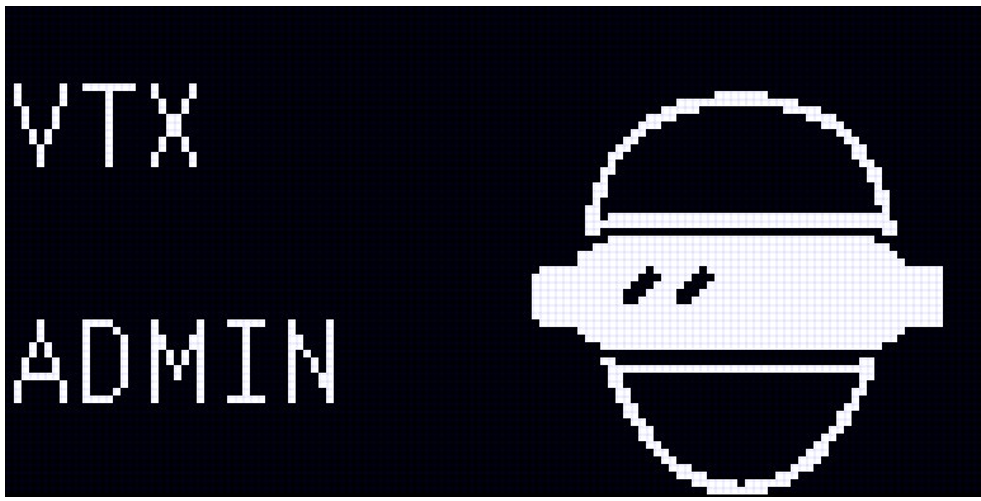
- VTX Admin
- Function described below
VTX Admin —— Video Channel & Power Control
Utilize ELRS VTX Administrator to adjust VTX settings on the radio, even when the VTX is not yet powered on.
- Long-press the menu button to enter ELRS settings.
- Scroll up to VTX Admin and press menu button to enter config.
- Here navigate up and down to configure:
- VTX Channel
- VTX Band (set to "R" for Race Band)
- VTX Power (- = no change, 1 = 25mW, 2 = 200mW, etc)
- VTX Pitmode
- Send (applies VTX setting, only needed if VTX is already powered on)
ELRS TX Backpack
The HDZero Radio includes a built-in ELRS Backpack (factory version 1.5.4).
This allows automatic synchronization of video band and channel settings with compatible HDZero goggles, including:
- HDZero Goggle2
- HDZero BoxPro
Once connected, you can change video band and channel directly from the radio using VTX Admin.
Initial Setup (First Use)
Using HDZero Goggle 2 as an example.
- Confirm Backpack Version. Ensure the ELRS Backpack firmware version on the radio and goggles is identical.
- Bind the Goggles to the Radio (if required). If the binding phrase differs between the radio and goggles, manual binding is required the first time.
- On HDZero Goggle2:
- ELRS → Backpack → ON
- ELRS → Bind
- On HDZero Radio. Open ELRS Menu → Bind. Or Long Press the ELRS button for quick bind.
- On HDZero Goggle2:
After a few seconds, the goggles will display a successful bind message and show the corresponding UID.
Syncing Video Band and Channel
Once bound, the radio can control video band and channel selection.
On the HDZero Radio:
- Enter ExpressLRS Menu
- Select VTX Admin
- Set desired Band
- Set desired Channel
- Select Send VTX
The goggles will automatically update to the selected band and channel.
Additional Notes
- Both HDZero digital receivers and built-in analog receiver channels can be configured using VTX Admin.
- Binding is only required once unless firmware or binding phrase changes.
ELRS Menu Access Restrictions
The ELRS menu is unavailable in the following conditions:
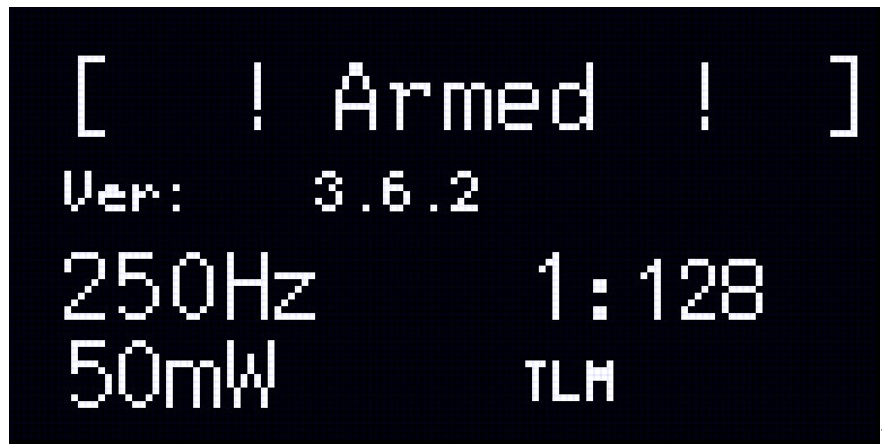
- Radio Armed(CH5 acrive). In ELRS V3.x, CH5 is the default arm channel. When armed (SA switch down by default), ELRS configuration is disabled as a safety feature.
- USB HID Joystick Mode. When connected via USB in HID mode, ELRS transmission is disabled.
- DSC Slave Mode. When operating as a trainer slave, ELRS transmission is disabled.
 Ligen
Ligen